
I Built an AI Agent That Applies to Jobs While I Sleep — Here’s Exactly How
Full source code, live demo video, and setup guide included.
- ai-agents
Full source code, live demo video, and setup guide included.
Every job application takes 45 minutes on average.
Resume upload. Cover letter. Screening questions. Then you hit submit and hear nothing for two weeks — if you hear back at all.
I’m an engineer and architect working across cloud and AI. I automate infrastructure for a living. So when I found myself spending evenings scrolling LinkedIn for job postings, I had one thought:
Why am I doing this manually?
I’m not anymore.
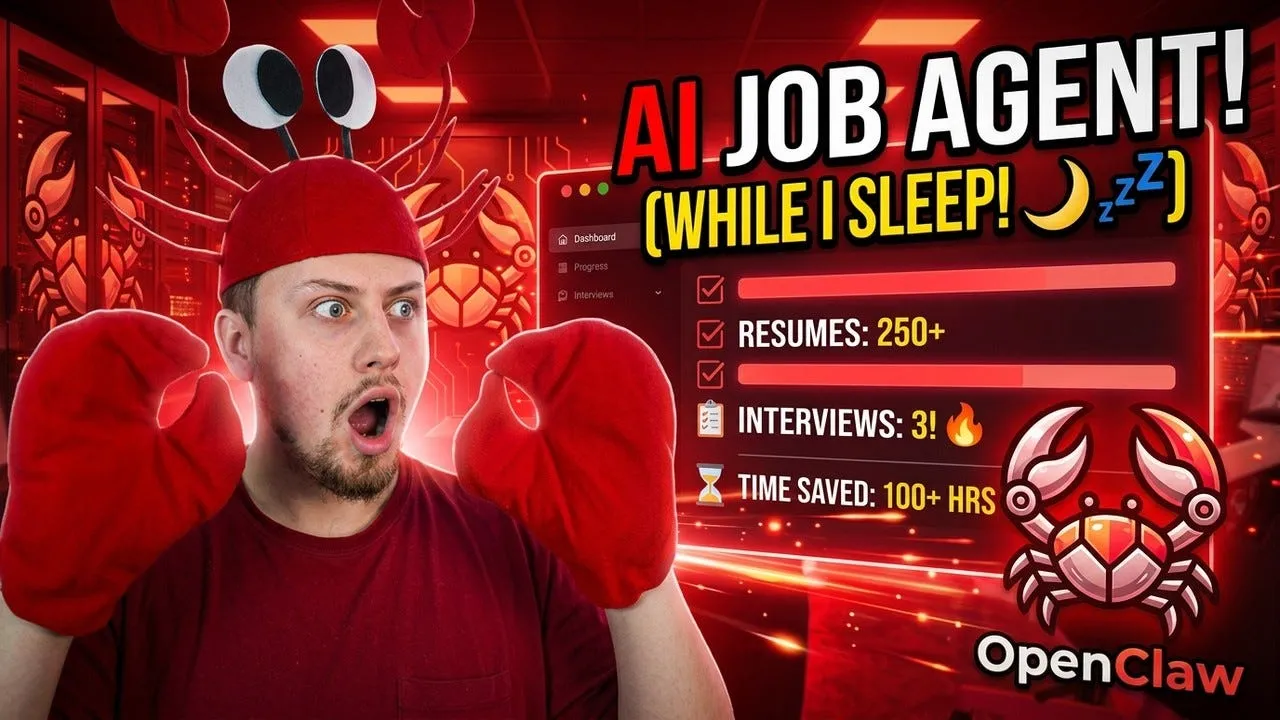
Watch the Full Demo
https://www.youtube.com/watch?v=WKJOmi9YSjM&t=10s
What I Built
Every night at 9 PM, my AI agent does this automatically:
- Searches for real job postings using JSearch API — pulling from LinkedIn, Indeed, and Glassdoor via Google for Jobs
- Scores each job against my resume. Anything below 80/100 gets cut
- Finds the recruiter or hiring manager email using Hunter.io
- Drafts a personalized cold email referencing specific skills from the job description
- Sends me a Telegram message with all the results and a simple approval flow
- When I reply “approve 2” — the email goes out via Gmail instantly
- Logs everything to a markdown file so nothing gets contacted twice
I do one thing: click Apply on the job portal.
The agent handles everything else.
The Stack
This runs entirely on a Windows Server in my home lab. Your data never leaves your machine.
Component Tool AI Agent OpenClaw (self-hosted, open source) AI Model Claude Sonnet 4.6 via Anthropic API Job Search JSearch API — RapidAPI Job Scoring Custom scorer.py script Contact Finding Hunter.io API Email Sending Gmail API via gog skill Approval Interface Telegram Bot Remote Access Tailscale VPN
Monthly cost: around $10–12. Less than Spotify.
Why JSearch Instead of LinkedIn Scraping?
This was the critical decision.
Every tutorial tells you to scrape LinkedIn. Every scraper breaks within weeks when LinkedIn updates its anti-bot protections. You end up with dead code and hallucinated job listings.
JSearch pulls from Google for Jobs in real-time. It covers LinkedIn, Indeed, Glassdoor, ZipRecruiter — all of them — and returns the actual apply URL for each posting. Not the career homepage. The real application form.
I ran it last week. 77 raw jobs. 26 passed the date and link filter. 7 scored 80+/100. Three of those had verified recruiter emails.
That’s three warm outreach emails sent while I was eating dinner.
What Lands in Telegram Every Night
━━━━━━━━━━━━━━━━━━━━━━
🔢 JOB 1/7
🏢 Company: [Company Name]
💼 Senior Platform Engineer | Score: 92/100
📍 Remote — Canada
📅 Posted: March 20, 2026
🔗 APPLY: [direct link to application form]
━━━━━━━━━━━━━━━━━━━━━━
👤 [Recruiter Name] | Director of Engineering
📧 [recruiter@company.com]
━━━━━━━━━━━━━━━━━━━━━━
Subject: Senior Platform Engineer — Azure + Terraform for [Company]
Hi [Name],[Company]'s platform scope matches my background closely.
At [Previous Employer] I led a 15-person DevOps team — Terraform IaC,
AKS, GitHub Actions, DR testing across 8 cloud-native apps.
Now at [Current Employer] as [Current Role].Happy to discuss how I can contribute.Best, Kaan
━━━━━━━━━━━━━━━━━━━━━━
✅ approve 1 | ⏭️ skip 1
━━━━━━━━━━━━━━━━━━━━━━One message per job. Every night. I review over morning coffee.
The Nightly Flow
The script runs four search queries in parallel at 9 PM Toronto time. Four different role titles. Results get merged, deduplicated by job ID, and filtered:
- Posted within the last 14 days
- Valid direct apply link (no Dice.com — those expire)
- Company not already in my application log
Then scoring. The rubric: 30 points for title match, 40 for skills overlap, 20 for confirmed remote, 10 bonus for postings under 7 days old. If fewer than five jobs qualify at 80+, the threshold relaxes to 70.
After that, Hunter.io gets called in parallel for each company — four domain variations tried in priority order. If no contact is found, the job still gets sent to Telegram. The apply link is real either way.
And if the live search completely fails? The agent falls back to the last successful run silently, with a timestamp note.
It never sends nothing.
The Closer That Won Over the Audience
I demoed this live at the OpenClaw Toronto Meetup on March 26, 2026.
After showing the full workflow — search, score, contact, draft, approve — I sent this one message to my bot:
“Save this entire workflow as a cron job called nightly-job-search, running every night at 9 PM Toronto time. Starting tonight.”
Cron deployed. Confirmed.
That’s the moment. Every step I just ran manually — your agent will now run automatically every single night while you sleep.
The Setup in Plain English
What you need to get started:
- Any always-on machine (Windows Server, Linux, old laptop, Mac Mini)
- OpenClaw installed — free and open source at openclaw.ai
- Anthropic API key — Tier 2 recommended, $40 deposit
- Telegram account + a bot from @BotFather
- Gmail account + Google Cloud project with Gmail API enabled
- JSearch API on RapidAPI — $10/month Basic plan
- Hunter.io free account — 25 searches/month
Critical install order (most people get this wrong):
Most tutorials tell you to connect Gmail before installing skills. That breaks the setup because the gog skill creates the skills/gog/ folder that Gmail OAuth depends on. Install skills first. Then configure Gmail.
The correct order:
- Install OpenClaw + fix Windows PATH if needed
- Install gog and cold-email-writer skills from ClawHub
- Connect Telegram
- Connect Gmail (the folder now exists)
- Configure JSearch API
- Configure Hunter.io
- Save your job search profile
- Deploy the nightly cron
Full setup guide, all prompts, and the complete file structure are in the GitHub repo.
Full Source Code
Everything is open source and fully documented.
GitHub: github.com/hkaanturgut/openclaw-job-search-agent
The repo includes the full README with step-by-step setup, the exact Telegram prompt for the nightly cron, architecture diagrams, and security considerations.
If you build on this or improve the scoring logic, submit a PR to the awesome-openclaw-usecases repo — it has 26K+ stars and thousands of people looking for exactly this kind of practical use case.
What’s Next
The agent is running. The job search is automated. The next thing I’m wiring up is a 5-day follow-up email — if no reply comes after an outreach, the agent drafts a follow-up and sends it to Telegram for approval.
After that: an interview prep brief. Before any scheduled call, the agent researches the company, pulls email history, and sends me three talking points the night before.
The job search part was just the beginning.
Built with 🦞 OpenClaw + 🤖 Claude Sonnet 4.6 Presented at OpenClaw Toronto Meetup — March 26, 2026
Kaan Turgut — Engineer & architect · Cloud, AI & software systems
- 🎬 YouTube: youtube.com/@hkaanturgut
- 💼 LinkedIn: linkedin.com/in/hkaanturgut
- 🐦 X: @hkaanturgut
- 🐙 GitHub: github.com/hkaanturgut